Edit & mark up
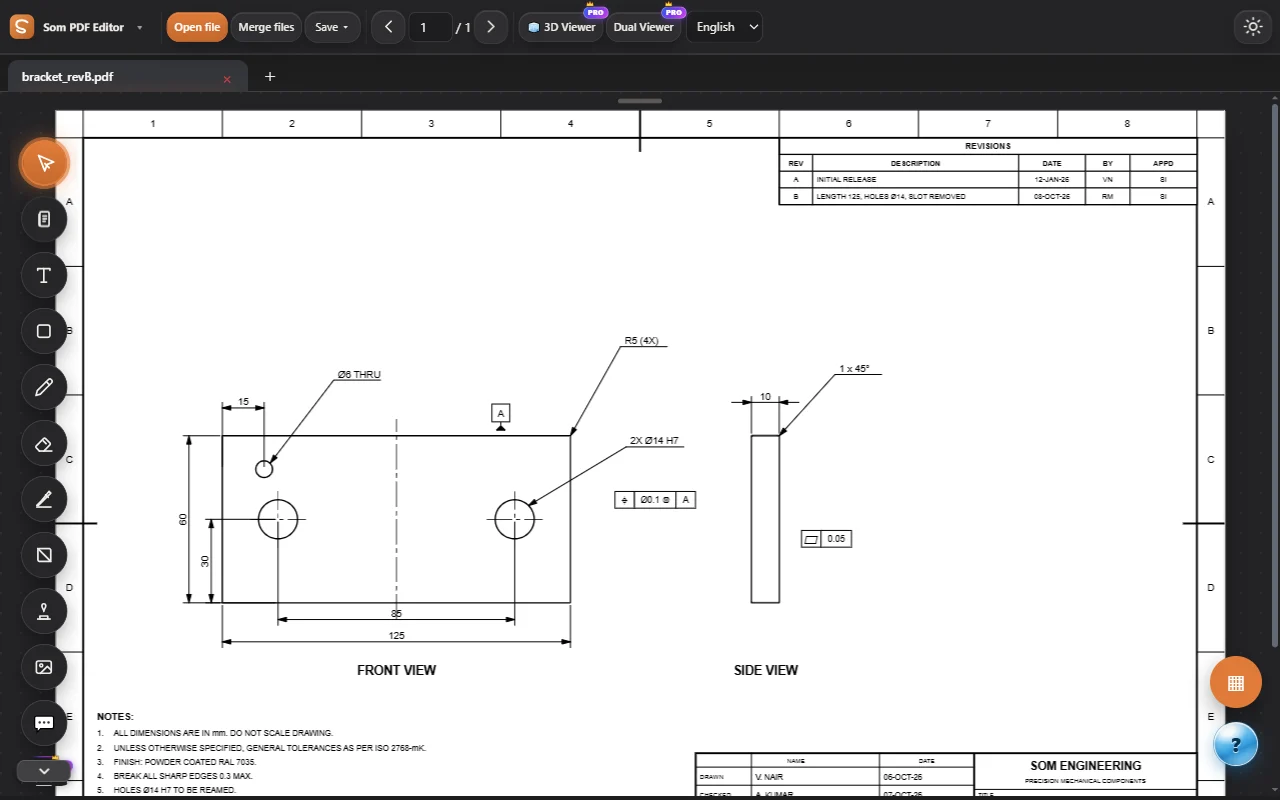
The everyday work on a document: pick, move and resize anything, add text and shapes, draw and highlight, stamp, comment, and change the PDF’s own text, even on scans.
- Edit & mark up
- Pages & conversion
- Forms, signing & business
- Protect & prepare
- Read & check
- Engineering drawings
- Measure & calculate
- 3D
Everything one click away
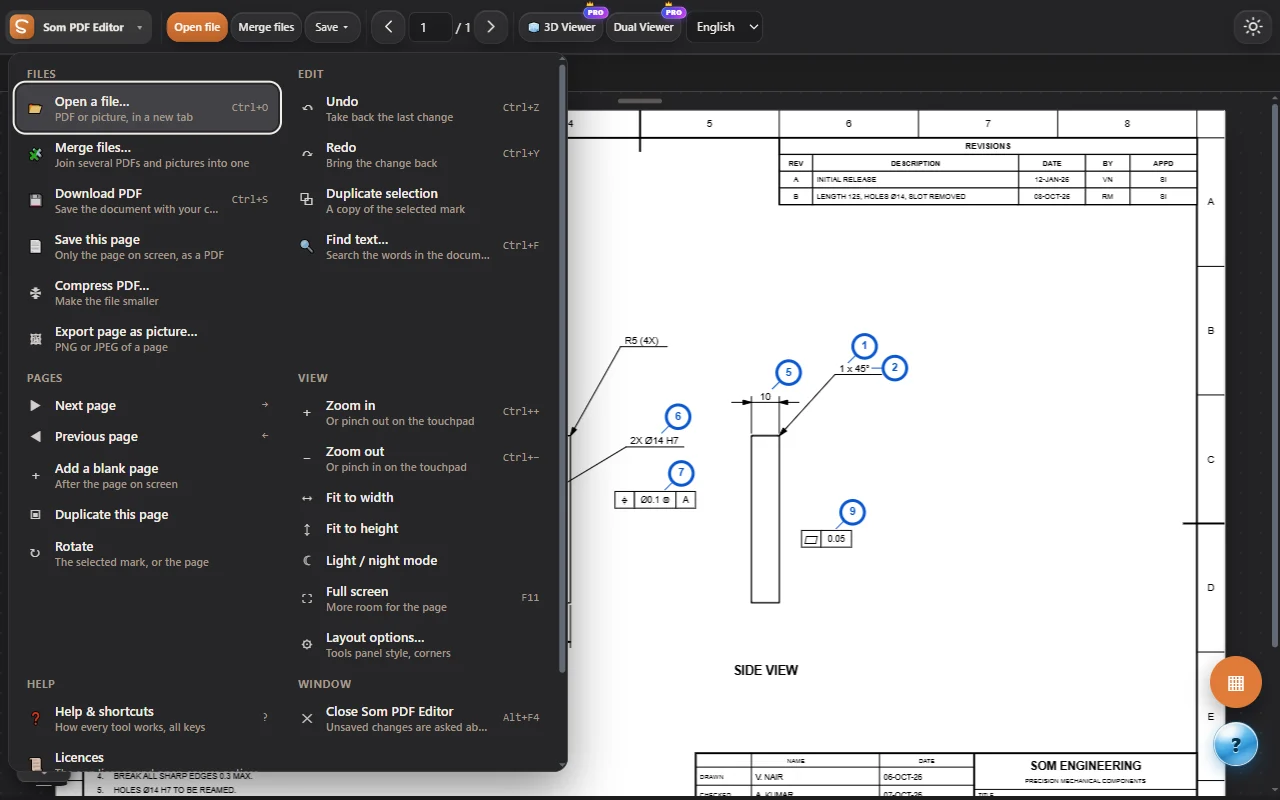
Click the Som logo for every command, grouped and explained, with its shortcut.
- Files, edit, pages, view and help
- Touchpad pinch zoom in every view
- 12 languages, light and night themes
Everything in Edit & mark up.
Select, move and resize
Pick any mark, shape or text box and move, resize, rotate or duplicate it.
Add text
Text boxes with fonts, size, colour, bold and alignment, anywhere on the page.
Shapes and lines
Rectangles, circles, arrows, clouds, check marks and dimension lines with fill and thickness.
Draw and highlight
Free-hand pen and highlighter in any colour and thickness, and an eraser.
Cut / remove area
Remove a region of a page cleanly, or crop.
Stamps
Approved, draft, checked and your own stamps with date and name.
Place and replace images
Add pictures and logos; resize, rotate and keep their proportions.
Comments
Comment pins with replies and your name, saved inside the PDF so any reader shows them.
Edit existing content
Change the PDF’s own text, even on scanned pages (offline OCR), with its style and links.
Image editor
Enhance, filters and background removal for pictures on the page.
Try every tool, free for 3 days.
Log in and work on our sample PDFs. Move to Pro when you want your own files.