Change report
What changed between revisions in words, with the CN balloons carried over.
Revision updates in words
The Change report compares two revisions and says what changed: “120 changed to 125”, a hole added, a note rewritten. Then it carries the CN balloons over to the new revision and numbers the new dimensions after the last one.
- Changed, added, removed and moved dimensions
- Note changes, word for word
- Report as PDF or CSV for the ECN
Tools that go with it.
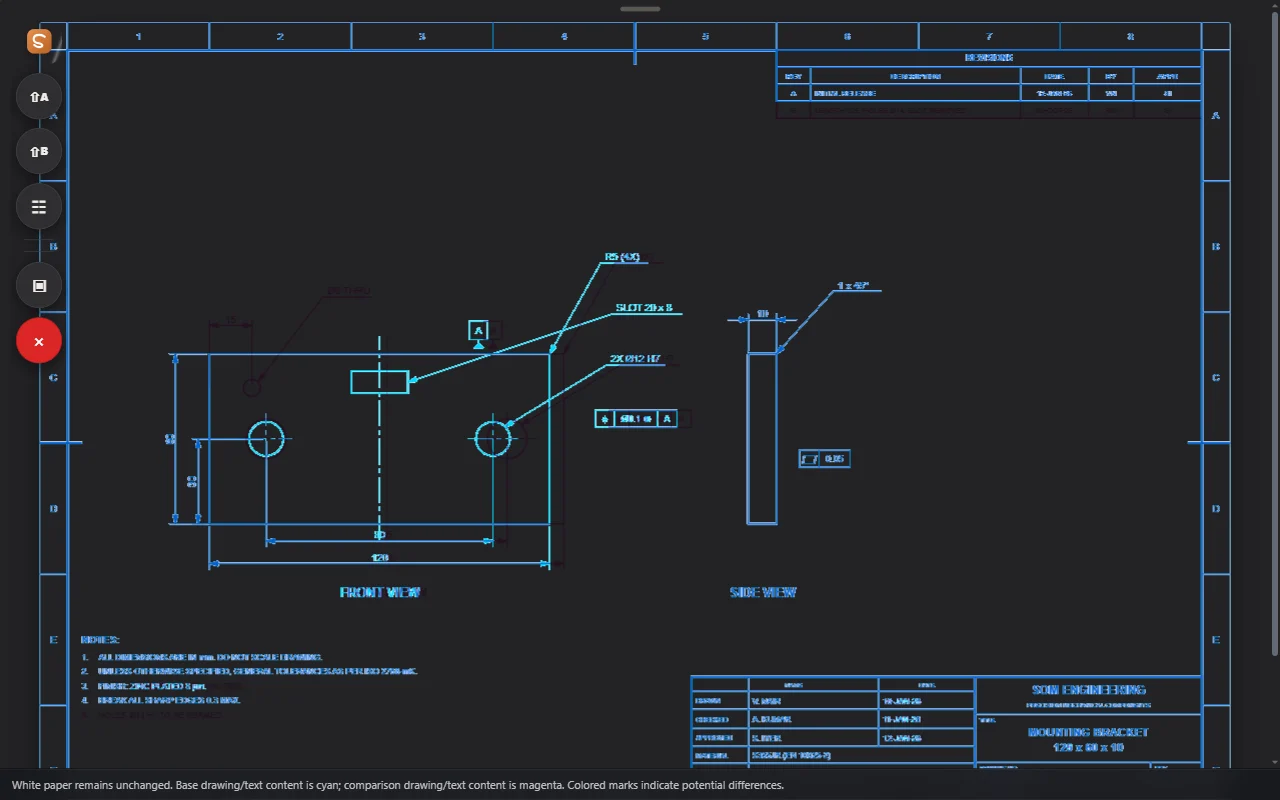
Dual Viewer and Overlay
Two documents side by side, or one over the other to spot every change.
See how it works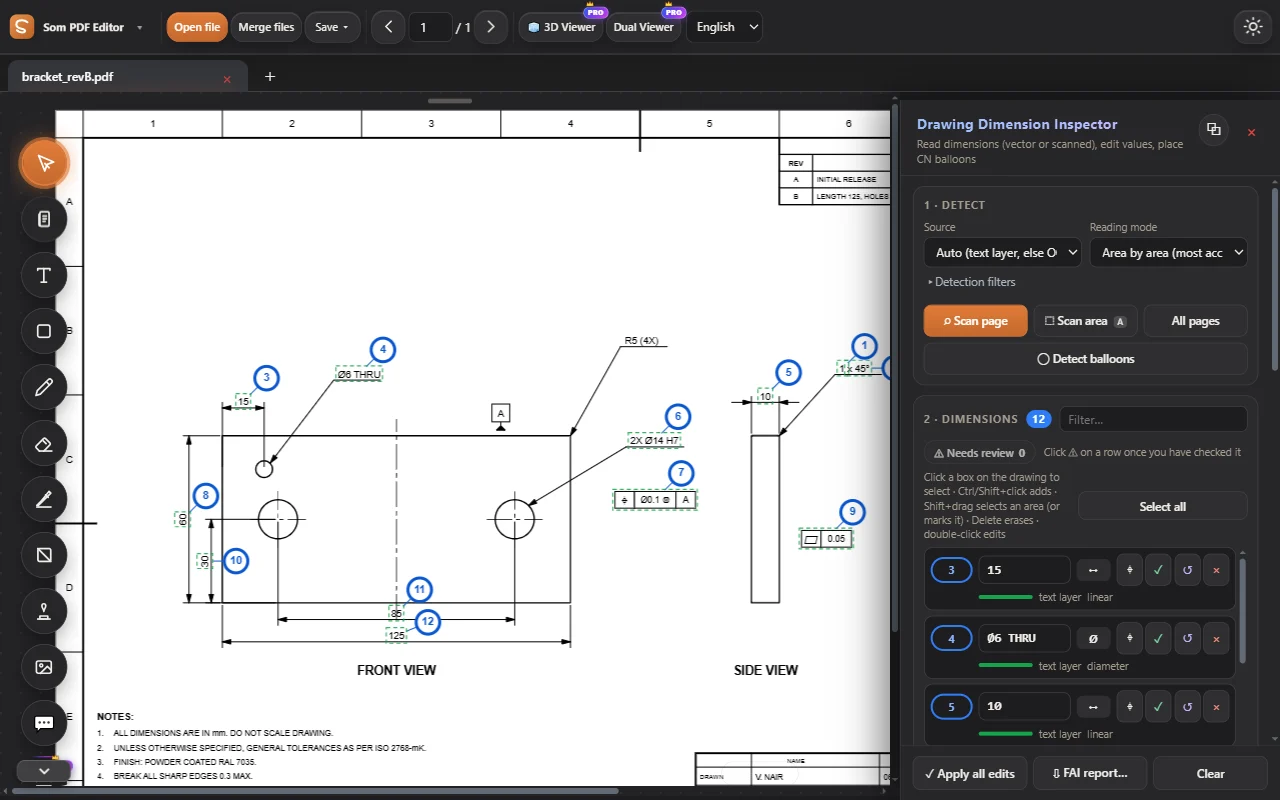
Dimension Inspector
Read every dimension of a drawing, vector or scanned, and edit values in place.
See how it works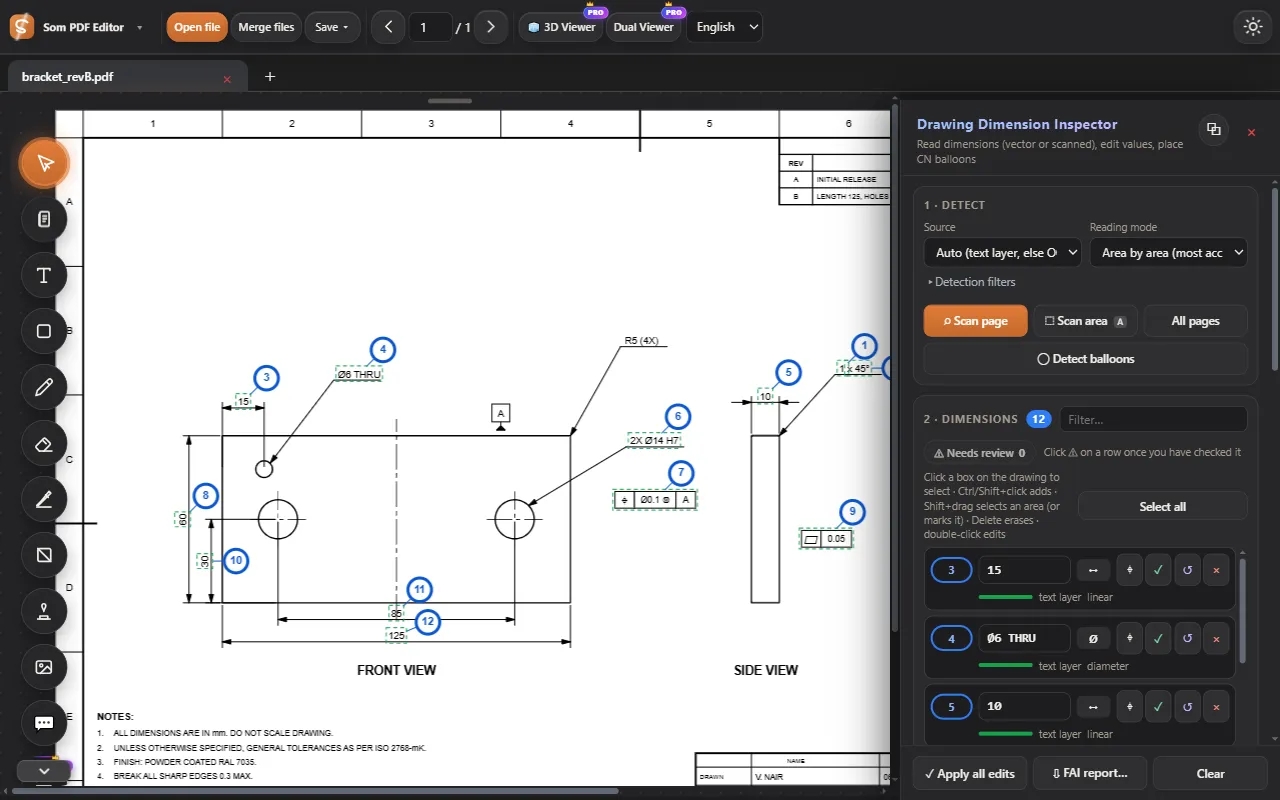
Auto-number CN balloons
Place numbered balloons on all dimensions in one click, filling gaps first.
See how it works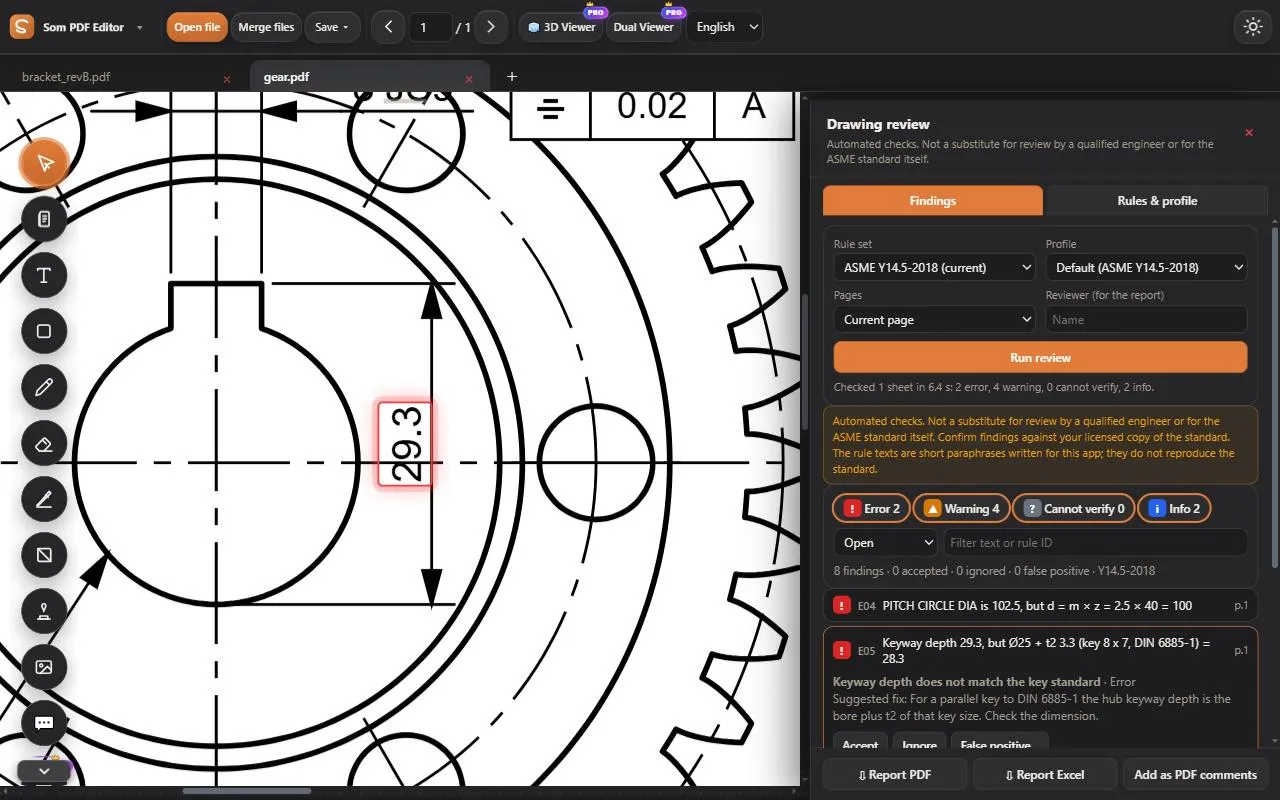
Drawing review
ASME Y14.5 checks plus engineering consistency: revisions, sheets, gear maths, keyways, parts list, notes against views.
See how it works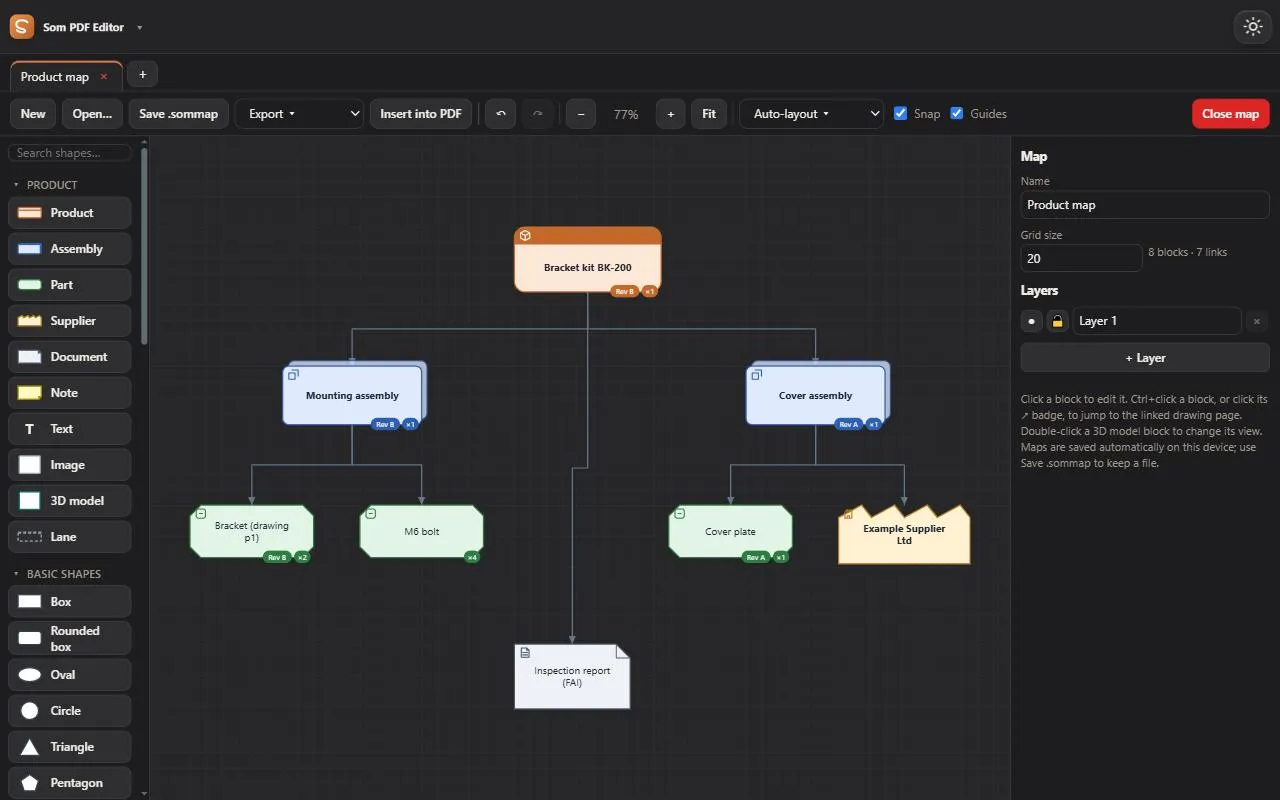
Product map
Parts, assemblies and 3D models linked to their drawing pages.
See how it works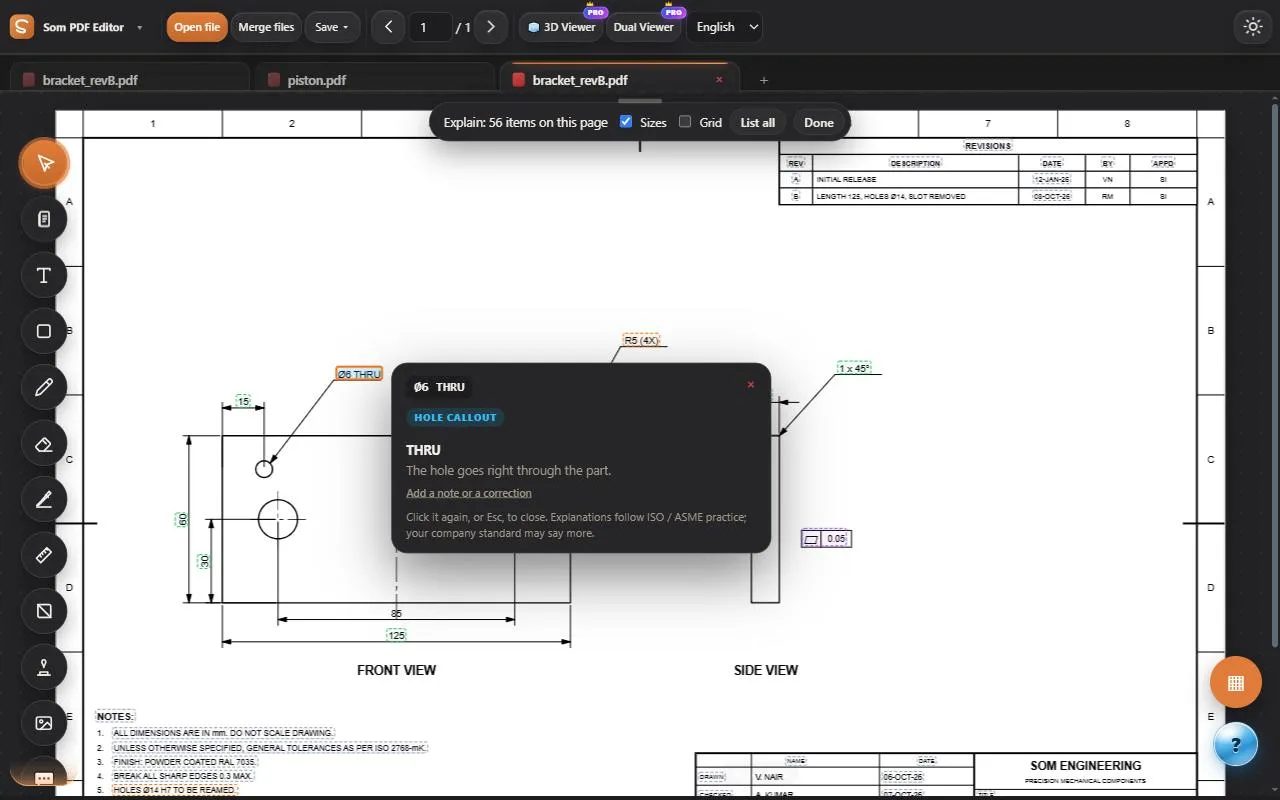
Explain symbols
GD&T frames, fits, threads, finishes and notes explained in plain words.
See how it worksTry every tool, free for 3 days.
Log in and work on our sample PDFs. Move to Pro when you want your own files.